Microsoft Excel continues to be one of the most in-demand workplace skills in 2026. Whether you’re applying for a job in finance, accounting, HR, sales, operations, marketing, supply chain, business analytics, or administration, employers expect candidates to be proficient in Advanced Excel.
As businesses increasingly rely on data-driven decision-making, Excel has evolved from a basic spreadsheet tool into a powerful platform for reporting, automation, dashboard creation, forecasting, and business analysis.
Learning the right Excel skills can significantly improve your employability, increase your salary, and open doors to roles such as MIS Executive, Financial Analyst, Business Analyst, Data Analyst, Reporting Executive, and Operations Executive.
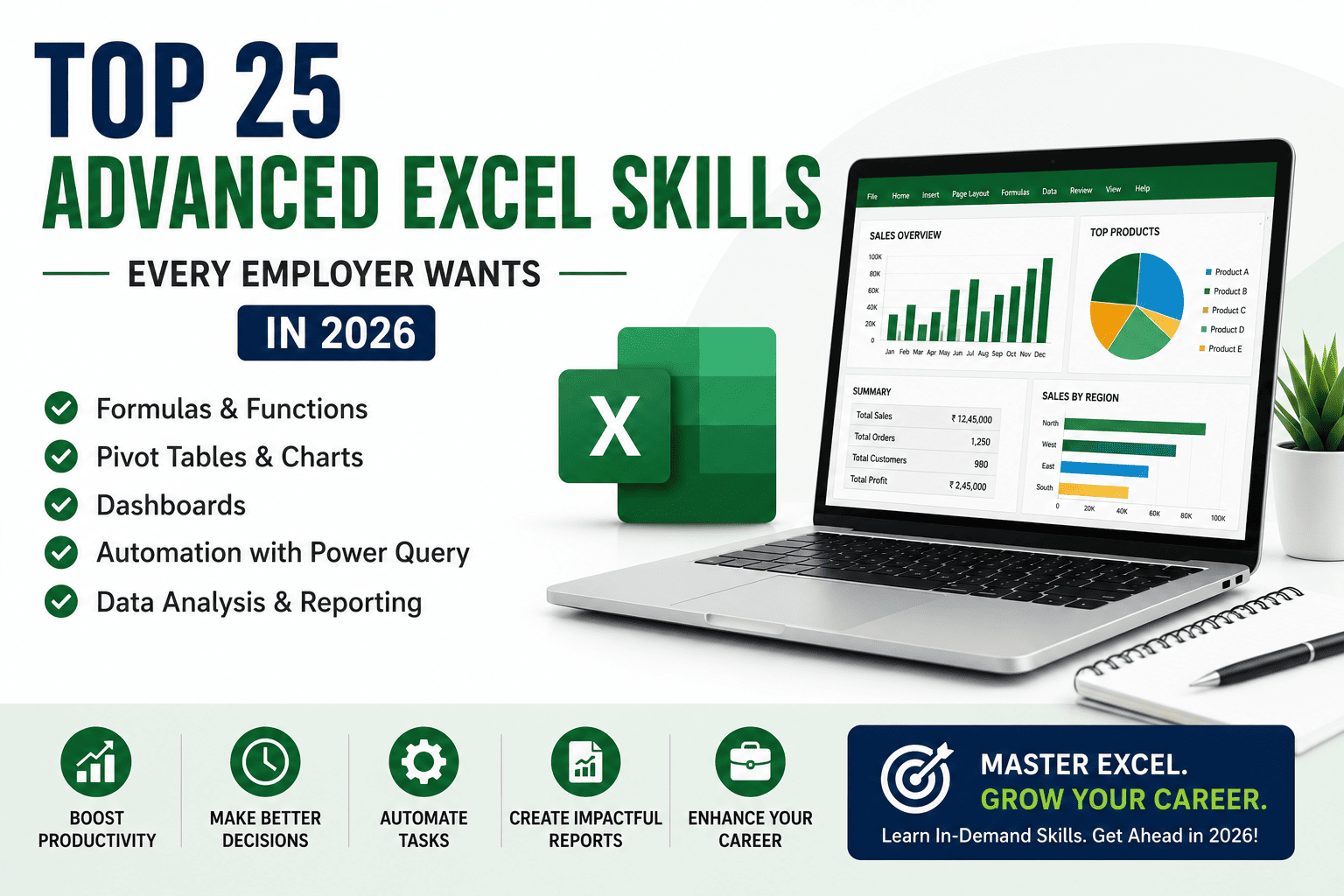
This comprehensive guide explores the Top 25 Advanced Excel Skills Every Employer Wants in 2026, why they matter, and how they can help you build a successful career.
Why Advanced Excel Skills Matter in 2026
Every organization works with data. Employers need professionals who can organize information, automate repetitive tasks, prepare reports, and extract valuable insights quickly.
Benefits of Learning Advanced Excel
- Better job opportunities
- Higher salary potential
- Faster report generation
- Improved productivity
- Strong analytical skills
- Better decision-making
- Career growth across industries
- Foundation for Power BI and Data Analytics
Top 25 Advanced Excel Skills Employers Want
1. Advanced Formula Writing
Employers expect candidates to confidently use formulas to automate calculations and solve business problems.
Examples include:
- IF
- IFS
- SUMIFS
- COUNTIFS
- AVERAGEIFS
- TEXT
- DATE
- Logical Functions
2. XLOOKUP
XLOOKUP is replacing VLOOKUP in modern Excel versions because it is more flexible and powerful.
Used for:
- Data retrieval
- Record matching
- Dynamic reporting
3. INDEX & MATCH
This combination allows faster and more reliable lookups than traditional methods.
Applications:
- Financial reports
- MIS reports
- Data analysis
4. Pivot Tables
Pivot Tables help summarize thousands of rows of data into meaningful business insights.
Used in:
- Sales reports
- Finance reports
- HR analytics
- Inventory reports
5. Pivot Charts
Interactive charts help present business data visually for better decision-making.
6. Dashboard Creation
Employers value professionals who can design interactive dashboards with KPIs, charts, slicers, and dynamic reports.
Common dashboards include:
- Sales Dashboard
- Finance Dashboard
- HR Dashboard
- Inventory Dashboard
- Performance Dashboard
7. Conditional Formatting
Automatically highlights important trends such as:
- High sales
- Low stock
- Pending payments
- Duplicate values
- Top performers
8. Data Validation
Ensures accurate data entry by creating dropdown lists and input restrictions.
Benefits:
- Fewer errors
- Cleaner datasets
- Standardized reporting
9. Power Query
Power Query automates data import, cleaning, transformation, and consolidation from multiple sources.
Employers increasingly expect professionals to understand this feature.
10. Data Cleaning
Real-world data often contains errors and inconsistencies.
Key tasks include:
- Removing duplicates
- Fixing formatting
- Standardizing values
- Cleaning imported datasets
11. Sorting & Filtering
Professionals should efficiently organize and filter large datasets to find relevant information quickly.
12. Named Ranges
Named ranges make formulas easier to read, maintain, and manage in complex workbooks.
13. Dynamic Charts
Dynamic charts automatically update when data changes, making reports more interactive and user-friendly.
14. Financial Functions
Finance professionals should understand functions such as:
- PMT
- FV
- PV
- NPV
- IRR
These are widely used for budgeting, investment analysis, and financial planning.
15. Text Functions
Essential functions include:
- LEFT
- RIGHT
- MID
- TRIM
- CONCAT
- TEXTJOIN
Useful for cleaning and organizing textual data.
16. Date & Time Functions
Employers use these functions for attendance, payroll, scheduling, and reporting.
Examples:
- TODAY
- NOW
- EDATE
- NETWORKDAYS
- WORKDAY
17. Logical Functions
Functions like IF, AND, OR, and SWITCH help automate decision-making within spreadsheets.
18. What-If Analysis
Excel provides tools such as:
- Goal Seek
- Scenario Manager
- Data Tables
These help businesses evaluate different outcomes before making decisions.
19. MIS Reporting
Management Information System (MIS) reports summarize business performance for managers and executives.
Professionals should know how to create:
- Daily Reports
- Weekly Reports
- Monthly Reports
- KPI Reports
20. Data Visualization
Presenting data effectively using:
- Charts
- Graphs
- Sparklines
- Dashboards
helps stakeholders understand complex information quickly.
21. Spreadsheet Automation
Automation reduces repetitive work through:
- Templates
- Dynamic formulas
- Power Query
- Named ranges
This improves efficiency and accuracy.
22. Business Reporting
Employers expect candidates to prepare reports such as:
- Sales Reports
- Expense Reports
- Budget Reports
- Financial Reports
- Inventory Reports
23. Error Handling
Professionals should understand functions like:
- IFERROR
- ISERROR
- ISBLANK
- ISNUMBER
These ensure cleaner and more reliable spreadsheets.
24. Collaboration & Workbook Management
Modern workplaces require:
- Workbook protection
- Sheet protection
- Comments
- Version control
- Shared workbooks
These features support teamwork and data security.
25. Integration with Power BI
Many organizations use Excel together with Power BI for advanced dashboards and business intelligence.
Learning both tools significantly improves your career opportunities.
Industries That Value Advanced Excel Skills
Excel professionals are hired in:
- Banking & Financial Services
- Accounting Firms
- Manufacturing
- Retail
- Healthcare
- IT Companies
- Logistics
- E-commerce
- Insurance
- Consulting
- Government Organizations
- Multinational Companies (MNCs)
Job Roles That Require Advanced Excel
Professionals with Advanced Excel skills can pursue roles such as:
- MIS Executive
- Data Analyst
- Financial Analyst
- Business Analyst
- Reporting Executive
- Operations Executive
- Accounts Executive
- HR Analyst
- Sales Analyst
- Inventory Analyst
- Project Coordinator
- Office Administrator
Salary After Learning Advanced Excel
| Experience | Average Salary |
|---|---|
| Freshers | ₹3–5 LPA |
| 2–5 Years | ₹5–8 LPA |
| Experienced Professionals | ₹8–15+ LPA |
Professionals who combine Advanced Excel with Power BI, Data Analytics, Tally Prime, or Finance & Accounting often receive better salary packages and faster career advancement.
How to Master Advanced Excel
To become job-ready:
- Learn Excel fundamentals.
- Practice advanced formulas daily.
- Build Pivot Tables and dashboards.
- Work with real-world datasets.
- Learn Power Query and automation.
- Create MIS reports.
- Complete hands-on projects.
- Earn a government-recognized certification.
- Learn Power BI to expand your analytics skills.
Why Learn Power BI After Advanced Excel?
Power BI complements Excel by providing:
- Interactive dashboards
- Real-time reporting
- Data modeling
- Advanced visualization
- Business intelligence
Together, these skills prepare you for modern analytical roles.
Future Scope of Advanced Excel
Although AI and automation continue to reshape workplaces, Excel remains a critical business tool because of its flexibility, accessibility, and integration with other Microsoft applications. Professionals who combine Advanced Excel with data visualization, analytics, and business intelligence tools will continue to be in strong demand across industries.
Frequently Asked Questions (FAQs)
1. Is Advanced Excel still in demand in 2026?
Yes. Advanced Excel remains one of the most sought-after professional skills across finance, accounting, HR, operations, sales, analytics, and administration.
2. Which Excel skills are most important for jobs?
The most valuable skills include advanced formulas, Pivot Tables, XLOOKUP, INDEX & MATCH, dashboards, Power Query, conditional formatting, automation, and business reporting.
3. Can beginners learn Advanced Excel?
Absolutely. Most Advanced Excel courses start with the fundamentals and gradually introduce advanced concepts through practical exercises and projects.
4. Which industries hire professionals with Advanced Excel skills?
Industries such as banking, finance, IT, manufacturing, healthcare, logistics, retail, insurance, consulting, and e-commerce actively recruit professionals with strong Excel expertise.
5. What salary can I expect after learning Advanced Excel?
Freshers generally earn ₹3–5 LPA, while experienced professionals with complementary skills in Power BI, Data Analytics, or Finance can earn ₹8–15+ LPA or more.
6. Is Power BI better than Excel?
Power BI is designed for advanced business intelligence and visualization, while Excel excels at calculations, reporting, and data management. Most organizations use both tools together rather than choosing one over the other.
7. Should I learn Power BI after Advanced Excel?
Yes. Learning Power BI after Advanced Excel is a natural progression that enhances your reporting, visualization, and analytical capabilities.
8. Why choose an Advanced Excel Course in Ahmedabad?
Ahmedabad offers growing opportunities in finance, manufacturing, IT, analytics, and business services. Industry-oriented training with practical projects and government-recognized certification can help you develop job-ready skills and improve your career prospects.
Conclusion
Advanced Excel is far more than a spreadsheet application—it is a powerful business tool that supports data analysis, financial reporting, automation, dashboard creation, and strategic decision-making. By mastering the Top 25 Advanced Excel Skills Every Employer Wants in 2026, you position yourself as a valuable professional capable of handling complex business data with confidence and efficiency.
Whether you are a student, graduate, or working professional, investing in Advanced Excel can significantly improve your employability and career growth. To stay ahead in the evolving job market, combine your Excel expertise with Power BI, Data Analytics, Tally Prime, or Finance & Accounting. This combination creates a future-ready skill set that is highly valued across industries and opens the door to rewarding careers in business intelligence, finance, operations, and analytics.