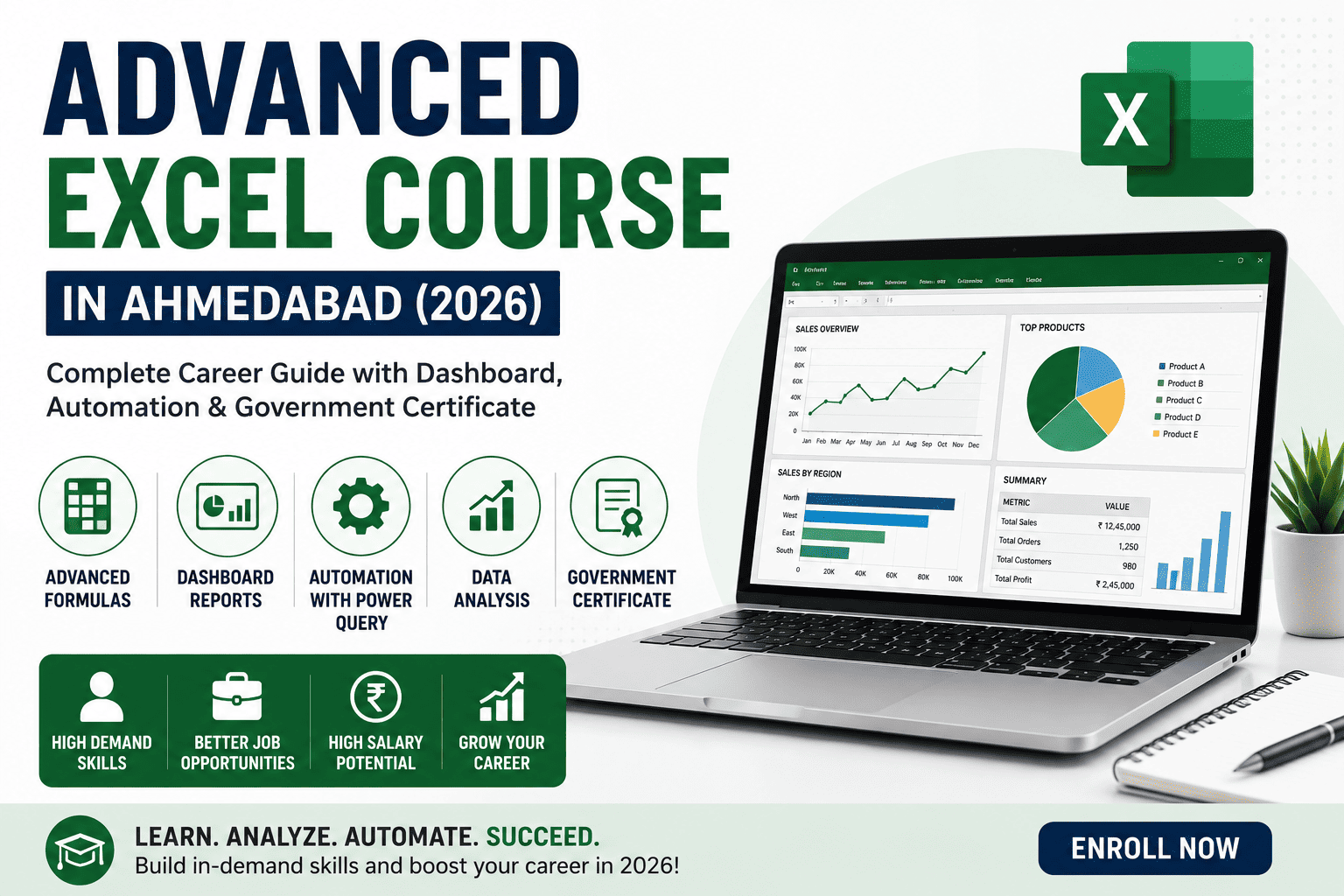
In today’s data-driven business environment, Microsoft Excel remains one of the most essential professional tools used across industries. From finance and accounting to HR, marketing, operations, sales, logistics, and business analytics, organizations rely on Advanced Excel for data analysis, reporting, automation, and decision-making.
Employers no longer seek candidates with only basic spreadsheet knowledge. They look for professionals who can create dashboards, automate repetitive tasks, analyze large datasets, and generate meaningful business insights.
If you are planning to build a successful career in finance, accounting, data analytics, MIS reporting, or business operations, an Advanced Excel Course in Ahmedabad is one of the smartest career investments you can make in 2026.
This complete guide covers the course syllabus, eligibility, duration, career opportunities, salaries, government certification, and future scope.
What is an Advanced Excel Course?
An Advanced Excel Course is a practical, industry-oriented training program that teaches learners to use Microsoft Excel beyond basic calculations. It focuses on advanced formulas, data analysis, dashboards, automation, reporting, and business intelligence.
The course prepares students and professionals to work with large datasets, automate repetitive tasks, build interactive dashboards, and support business decision-making using real-world business scenarios.
Why Learn Advanced Excel in 2026?
Despite the growth of AI-powered tools and business intelligence platforms, Excel continues to be one of the most widely used software applications in the corporate world.
Benefits of Learning Advanced Excel
- Industry-standard business tool
- Used in almost every organization
- High demand across industries
- Supports data-driven decision-making
- Improves productivity
- Enables report automation
- Essential for finance and analytics careers
- Strong foundation for Power BI and Data Analytics
Who Should Join This Course?
This course is suitable for:
- 12th Pass Students
- Commerce Students
- B.Com Students
- BBA Graduates
- MBA Aspirants
- M.Com Students
- Engineers
- Data Analytics Aspirants
- Finance Professionals
- HR Executives
- Sales Professionals
- MIS Executives
- Business Owners
- Working Professionals
- Job Seekers
No programming knowledge is required.
Skills You’ll Learn
A professional Advanced Excel Course provides practical business skills that employers actively seek.
Advanced Formula Skills
- IF
- Nested IF
- IFS
- SUMIFS
- COUNTIFS
- AVERAGEIFS
- XLOOKUP
- VLOOKUP
- HLOOKUP
- INDEX & MATCH
- TEXT Functions
- DATE Functions
- Logical Functions
Data Analysis Skills
- Pivot Tables
- Pivot Charts
- Slicers
- Timelines
- Sorting
- Filtering
- Data Validation
- Conditional Formatting
Dashboard Development
- Interactive Dashboards
- KPI Dashboards
- Financial Dashboards
- Sales Dashboards
- HR Dashboards
- Performance Reports
Excel Automation
- Power Query
- Data Cleaning
- Report Automation
- Flash Fill
- Dynamic Reports
- Named Ranges
Business Reporting
- MIS Reports
- Budget Reports
- Financial Analysis
- Variance Analysis
- Business Performance Reports
Productivity Features
- What-If Analysis
- Goal Seek
- Scenario Manager
- Data Tables
- Templates
- Workbook Protection
Course Syllabus
Module 1 – Excel Fundamentals
- Excel Interface
- Workbook Management
- Formatting
- Shortcuts
- Basic Functions
Module 2 – Advanced Formulas
- Lookup Functions
- Logical Functions
- Financial Functions
- Text Functions
- Date Functions
Module 3 – Data Analysis
- Pivot Tables
- Pivot Charts
- Slicers
- Data Validation
- Conditional Formatting
Module 4 – Dashboard Design
- Interactive Dashboards
- KPI Reports
- Dynamic Charts
- Business Reports
Module 5 – Automation
- Power Query
- Data Import
- Data Cleaning
- Report Automation
Module 6 – MIS Reporting
- Monthly Reports
- Sales Reports
- Financial Reports
- Inventory Reports
Module 7 – Practical Projects
- Sales Dashboard
- Finance Dashboard
- HR Dashboard
- Inventory Dashboard
- Business Analytics Projects
Course Duration
Professional Advanced Excel Courses are generally completed within:
- 1 to 2 Months
- Weekend Batches
- Weekday Batches
- Fast-Track Programs
Eligibility
Anyone who has completed:
- 12th Standard
- Graduation
- Post Graduation
Students from Commerce, Science, Arts, Engineering, Management, and other streams can enroll.
Government Certificate Benefits
A government-certified Advanced Excel course offers several advantages:
- Industry-recognized certification
- Better resume value
- Enhanced employability
- Practical skill validation
- Increased employer confidence
- Strong career profile
Career Opportunities After an Advanced Excel Course
Advanced Excel skills are valuable in almost every business sector.
Popular Job Roles
- MIS Executive
- Data Analyst
- Financial Analyst
- Reporting Executive
- Business Analyst
- Operations Executive
- Accounts Executive
- HR Analyst
- Sales Analyst
- Inventory Analyst
- Project Coordinator
- Office Executive
Industries Hiring Advanced Excel Professionals
Professionals with Excel expertise are recruited across:
- Banking & Financial Services
- Accounting Firms
- IT Companies
- Manufacturing
- Retail
- Healthcare
- Logistics
- E-commerce
- Insurance
- Consulting Firms
- Educational Institutions
- Government Organizations
- Multinational Companies (MNCs)
Salary After an Advanced Excel Course
Salary varies depending on industry, experience, and additional technical skills.
| Experience | Average Salary |
|---|---|
| Freshers | ₹3–5 LPA |
| 2–5 Years | ₹5–8 LPA |
| Experienced Professionals | ₹8–15+ LPA |
Professionals who combine Advanced Excel with Power BI, Tally Prime, Finance & Accounting, Data Analytics, or SAP often secure higher-paying roles and faster career progression.
Why Advanced Excel is Still Relevant in 2026
Even with AI-powered analytics tools becoming more common, Excel continues to be the preferred platform for day-to-day business reporting, financial analysis, budgeting, forecasting, and operational planning. Its flexibility, compatibility with other Microsoft tools, and widespread adoption ensure that Advanced Excel remains an essential skill for professionals in virtually every industry.
Career Growth Roadmap
Beginner Level
- Excel Fundamentals
- Spreadsheet Management
- Basic Reporting
Intermediate Level
- Advanced Formulas
- Pivot Tables
- Dashboards
- Automation
Advanced Level
- Power Query
- Power BI
- Financial Analytics
- Business Intelligence
Senior Roles
- Senior MIS Executive
- Data Analyst
- Financial Analyst
- Business Analyst
- Reporting Manager
- Analytics Consultant
Why Learn Power BI After Advanced Excel?
Advanced Excel and Power BI complement each other exceptionally well.
Benefits include:
- Interactive dashboards
- Advanced data visualization
- Automated reporting
- Real-time business insights
- Better decision-making
- Higher salary opportunities
Many organizations expect professionals to have working knowledge of both Excel and Power BI.
Benefits of Learning Advanced Excel
- High job demand
- Practical business skills
- Better productivity
- Faster career growth
- Improved analytical thinking
- Strong salary potential
- Applicable across industries
- Foundation for analytics careers
- Government-recognized certification
Frequently Asked Questions (FAQs)
1. What is an Advanced Excel Course?
An Advanced Excel Course teaches advanced spreadsheet skills such as formulas, Pivot Tables, dashboards, Power Query, automation, and business reporting to prepare learners for professional roles.
2. Who can join an Advanced Excel Course?
Anyone who has completed 12th, graduation, or post-graduation can enroll. It is suitable for students, working professionals, finance executives, HR professionals, analysts, and business owners.
3. Is Advanced Excel useful in 2026?
Yes. Advanced Excel continues to be one of the most in-demand skills across finance, accounting, analytics, HR, operations, sales, and management roles.
4. What salary can I expect after learning Advanced Excel?
Freshers typically earn ₹3–5 LPA, while experienced professionals with complementary skills in Power BI, analytics, or finance can earn ₹8–15+ LPA.
5. Does the course include dashboard creation?
Yes. A comprehensive course covers interactive dashboards, KPI reporting, Pivot Charts, Power Query, and business reporting using practical projects.
6. Is coding required to learn Advanced Excel?
No. Advanced Excel focuses on spreadsheet functions, automation features, and data analysis without requiring programming knowledge.
7. Which additional courses should I learn after Advanced Excel?
For enhanced career growth, consider learning Power BI, Data Visualization & Analytics, Tally Prime, Finance & Accounting, or SAP FICO. These complementary skills strengthen your profile for finance, analytics, and business intelligence roles.
8. Why choose a government-certified Advanced Excel Course in Ahmedabad?
Ahmedabad offers industry-oriented training, experienced instructors, practical learning environments, and increasing demand for professionals with Excel and analytics skills. A government-certified course validates your expertise and improves your employability.
Conclusion
An Advanced Excel Course in Ahmedabad is one of the most valuable professional training programs for students, graduates, and working professionals who want to excel in finance, accounting, analytics, business operations, and management. By mastering advanced formulas, Pivot Tables, dashboards, Power Query, automation, and MIS reporting, you develop practical skills that employers consistently seek.
To maximize your career opportunities, combine your Excel expertise with Power BI, Data Analytics, Finance & Accounting, or Tally Prime. This integrated skill set enables you to move beyond spreadsheet management into data-driven decision-making and business intelligence. With government-recognized certification, hands-on projects, and strong industry demand, an Advanced Excel Course in 2026 provides a solid foundation for a successful and future-ready career.